Patch light into motion.
Two browser-native visual instruments. Wire it, drive it with sound, then share the finished piece as a link — the whole graph rides in the URL, and it opens as a fullscreen experience, not an editor.
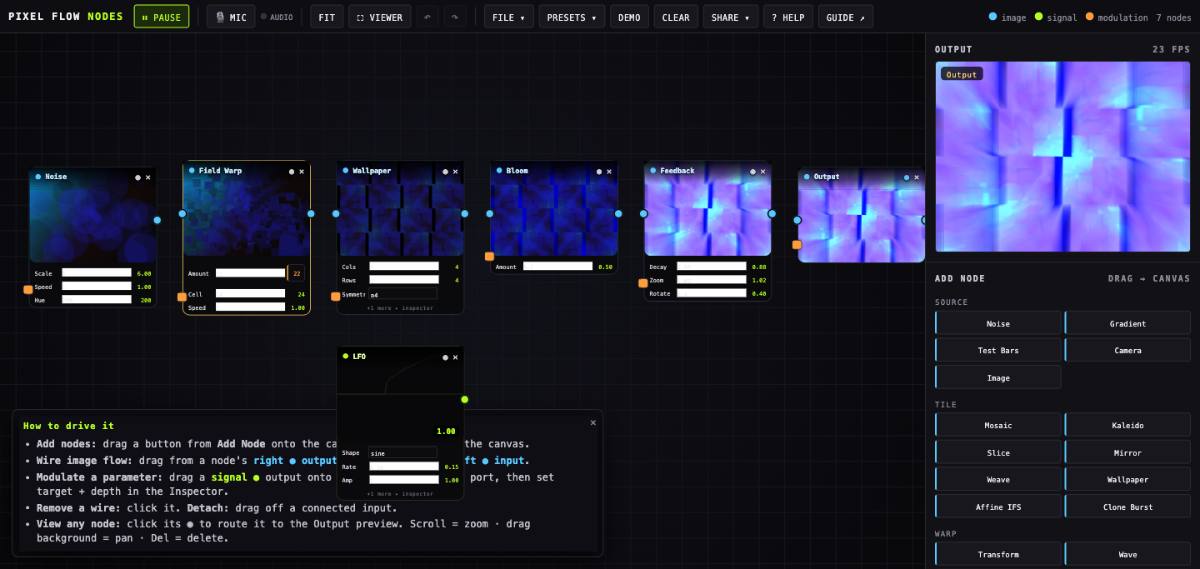
Pixel Flow Nodes
A TouchDesigner-style dataflow patcher. Chain 50 image + signal operators, modulate any knob with LFOs and audio, feed back for endless tunnels. Camera, image and audio inputs.
Open the patcher →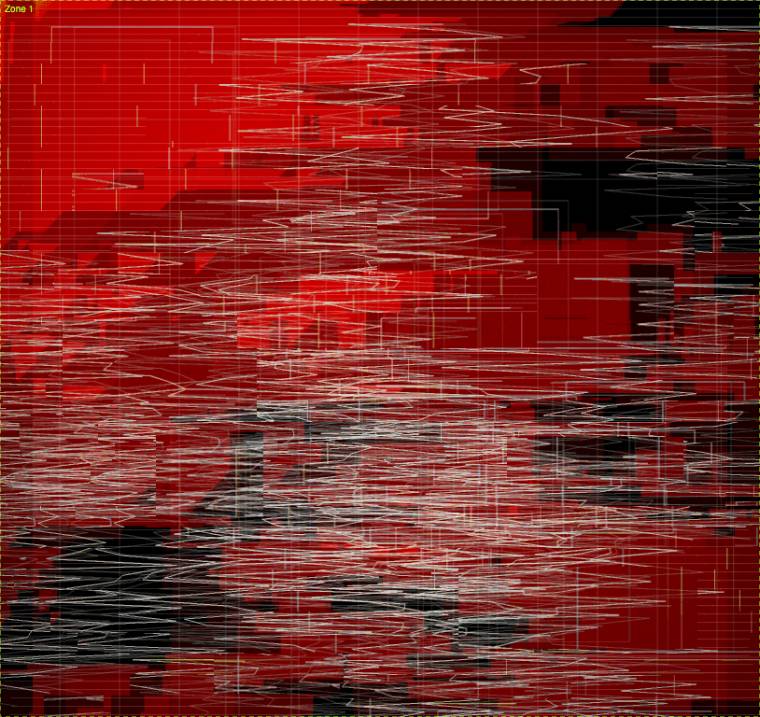
Pixel Flow Studio
Marquee regions on any source and stack effectors per zone — 39 effects, per-zone LFOs, a 64-step sequencer with a synth, scenes and morphing. Play a source like an instrument.
Open the studio →Every look below is encoded entirely in its link — no server, no upload. Click Open to land in the editor, or ▶ Viewer to open it fullscreen as an experience.
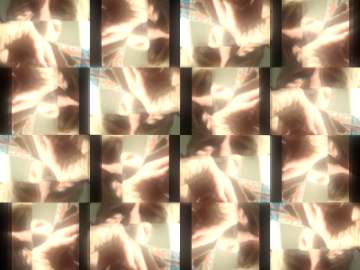
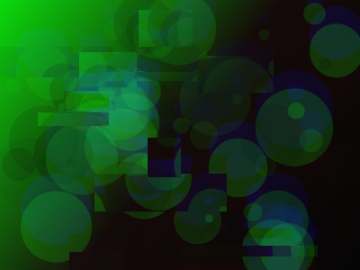
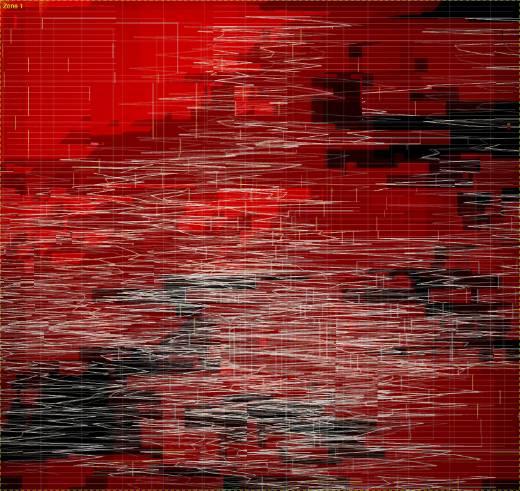
Send the experience, not the editor.
Toggle ⛶ Viewer and the output goes fullscreen in all its glory — every panel, wire and slider gone. Only a tiny ✎ chip remains in the corner to slip back to editing.
- A Viewer share link opens output-only — perfect to hand someone a finished piece.
- The URL carries a mode:
…#cfg=…&view=viewervs. the plain editor link. - Toggle any time in-app (or ⇧V) to see it fullscreen, then edit again.
Vibe a look with words.
Describe what you want — "a melting p4 mandala with VHS grit that twists on the bass" — and the skill authors a valid config for either app and hands back a ready share link. No knob-hunting; it knows every operator, range and enum.
- Works for both apps — Nodes (dataflow graph) and Studio (zones/sequencer).
- Round-trips through the same #cfg= encoding, so its output is a plain link.
- Install via the marketplace, or grab the zip below.
Install from the public plugin marketplace on GitHub, or grab a zip.
Make something that moves.
Everything runs locally in your browser. Nothing to install.